

Thermostat Reading Wrong in San Marcos? DIY Checks First
My Guy is Proud to Be "Your Guy" for Your Home
When your thermostat says 72 degrees but your house feels like 78, the digital display stops feeling helpful. In San Marcos, strong afternoon sun, warm walls, and heavy air conditioning use can lead to a thermostat reading wrong, creating a frustrating mismatch that significantly impacts your home comfort.
An inaccurate reading does not always mean your thermostat has failed. Sometimes the issue is simple, and other times the device is only reporting a larger HVAC problem. Before you panic, start with a few safe DIY checks to identify the source of the issue, then decide if you need professional AC repair or heating service.
Key Takeaways
- Check Placement First: A thermostat reading may appear inaccurate due to its location, especially if it is near sunny walls, windows, or heat-producing electronics common in San Marcos homes.
- Perform Basic DIY Steps: Before assuming the hardware has failed, test the accuracy with a separate room thermometer, replace batteries, check your air filters, and gently clean away dust from the sensor.
- Look Beyond the Screen: If the temperature reading seems correct but the house remains uncomfortable, the issue is often related to airflow, dirty filters, or mechanical HVAC problems rather than the thermostat itself.
- Know When to Call a Pro: If your device remains more than 3 degrees off after testing, or if you notice burning smells, tripped breakers, or system short cycling, contact a professional to diagnose the entire HVAC system.
Why thermostat readings go off in San Marcos homes
A thermostat reads the air temperature around it, rather than the average temperature in every room. Because of this, proper thermostat placement is more critical than many homeowners realize. If the device is located near a sunny wall, a drafty window, a return vent, or a hallway that stays cooler than the rest of the house, the reading may appear inaccurate even when the equipment is functioning perfectly.
San Marcos homes often receive intense direct sunlight during the day. When this direct sunlight hits an exterior wall near your device, the exterior wall absorbs that energy and radiates heat, causing the thermostat sensor to report a higher temperature than the actual air in the room. As a result, the air conditioning runs longer than necessary. In winter, thermal stratification or drafts near an exterior wall can cause the opposite effect, forcing the system to work harder than it should. Additionally, common heat sources like lamps or televisions placed too close to the unit can interfere with the internal sensor, creating false readings.
Small internal issues can also cause errors. Weak batteries, dust accumulation around the thermostat sensor, or loose wiring may cause drifting numbers. With digital thermostats, even a slight shift in calibration can impact the display. Furthermore, if you are using a smart thermostat, it may be running a specific energy-saving program or pulling data from remote sensors located in different parts of the house. In these cases, the screen reflects data that is accurate to the system settings, even if it does not match your personal comfort level in the room. Proper thermostat placement remains the best defense against these fluctuations.
A 1 to 2 degree difference can be normal. If the gap is 3 degrees or more and keeps coming back, something likely needs attention.
DIY checks before you assume the thermostat failed
Before you rush to replace your device, check the simple issues first. A quick test can save you money and prevent an unnecessary service call when dealing with inaccurate readings in your home.
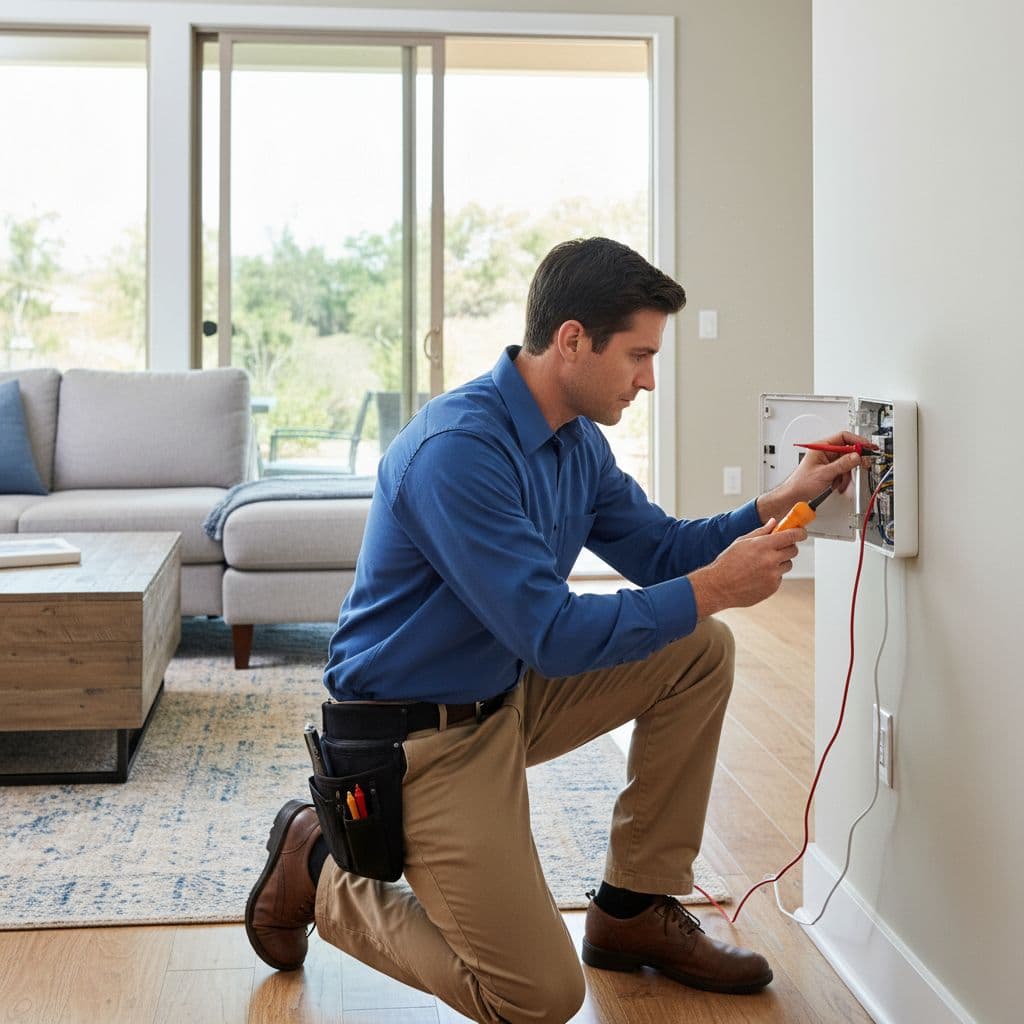
This quick table shows the most common clues to help you troubleshoot your system.
| What you notice | Likely cause | DIY check |
|---|---|---|
| Reading gets warmer late in the day | Sun or warm wall | Verify thermostat placement and compare after sunset |
| Temperature jumps around | Low batteries or loose fit | Replace low batteries and re-seat faceplate |
| House feels off, reading seems normal | Airflow problem | Check filter, dirty sensors, and open air vents |
| Screen acts strange or resets | Power issue | Check low batteries and main breaker |
Compare the reading the right way
Use a simple room thermometer first. Place it a few feet from the unit, away from air vents, lamps, windows, and TVs. Wait 15 minutes to see if the two readings are close. If they are, the thermostat sensor may be fine and the comfort issue could be related to your home’s airflow.
If the reading is only wrong at certain times, your thermostat placement might be the issue. If it is off all day, the thermostat sensor, power supply, or internal wiring may be involved in these inaccurate readings.
Fix the simple stuff
Start by checking for low batteries if your model uses them. Fresh power solves more problems than most people realize. If you have a programmable thermostat or a smart thermostat, check the settings to ensure a vacation mode or temperature offset is not active. If the display is still acting up, a factory reset might be necessary to restore settings.
Next, gently remove the cover and clear away dust from the components with a soft brush or a burst of dry air. Over time, dirty sensors can cause the unit to miscalculate the room temperature. Do not spray liquid cleaner into the unit.
Check that the thermostat is in the correct mode (Heat or Cool) and that the fan is set to Auto unless you want it running constantly. If you are comfortable, turn off power at the breaker before ensuring the device sits firmly on its base. A loose connection can lead to bad readings or short cycling.
Finally, look at your air filter. A clogged filter can choke airflow, which makes the house feel warmer or cooler than the number on the wall suggests. Make sure all air vents are clear of furniture and debris. Sometimes a complaint about a malfunctioning device actually starts with poor system airflow rather than a hardware failure or a need for thermostat calibration.
When the thermostat isn’t the real problem
Sometimes the thermostat is the messenger, not the cause. It reads 74, you set 72, and the house never catches up. In that case, the real issue often stems from your HVAC system.
Cooling problems often show up this way during hot weather in San Marcos. The air conditioning keeps running, but the indoor temperature barely moves. That can happen with a dirty filter, weak blower, blocked return, frozen coil, or low refrigerant. On the heating side, a furnace or heat pump may run without bringing the house to the setpoint because of airflow problems, duct leaks, or worn components. When your HVAC system struggles to maintain a consistent air temperature, it leads to longer run times and unnecessarily high energy bills.
These signs often point past the thermostat:
- The system runs for long stretches and the temperature still rises or falls the wrong way.
- Airflow feels weak at several vents.
- One floor feels fine while another stays uncomfortable, often due to uneven heating or cooling.
- The unit turns on and off too often, or makes new noises.
If the thermostat room feels comfortable but bedrooms don’t, the problem may be ductwork, air balancing, or poor insulation. If every room feels off, you are likely looking at mechanical issues that affect your comfort and drive up your monthly energy bills. Either way, lowering the setting again and again won’t make the house cool faster. It only tells the system to run longer.
That difference matters because homeowners often replace a thermostat when the real problem lives in the equipment. A good diagnosis looks at both the controls and the system as a whole.
When to call for AC repair or heating service in San Marcos
Some problems move past safe DIY work. If you have changed batteries, checked settings, compared readings, and replaced the filter, it may be time for a professional HVAC service.
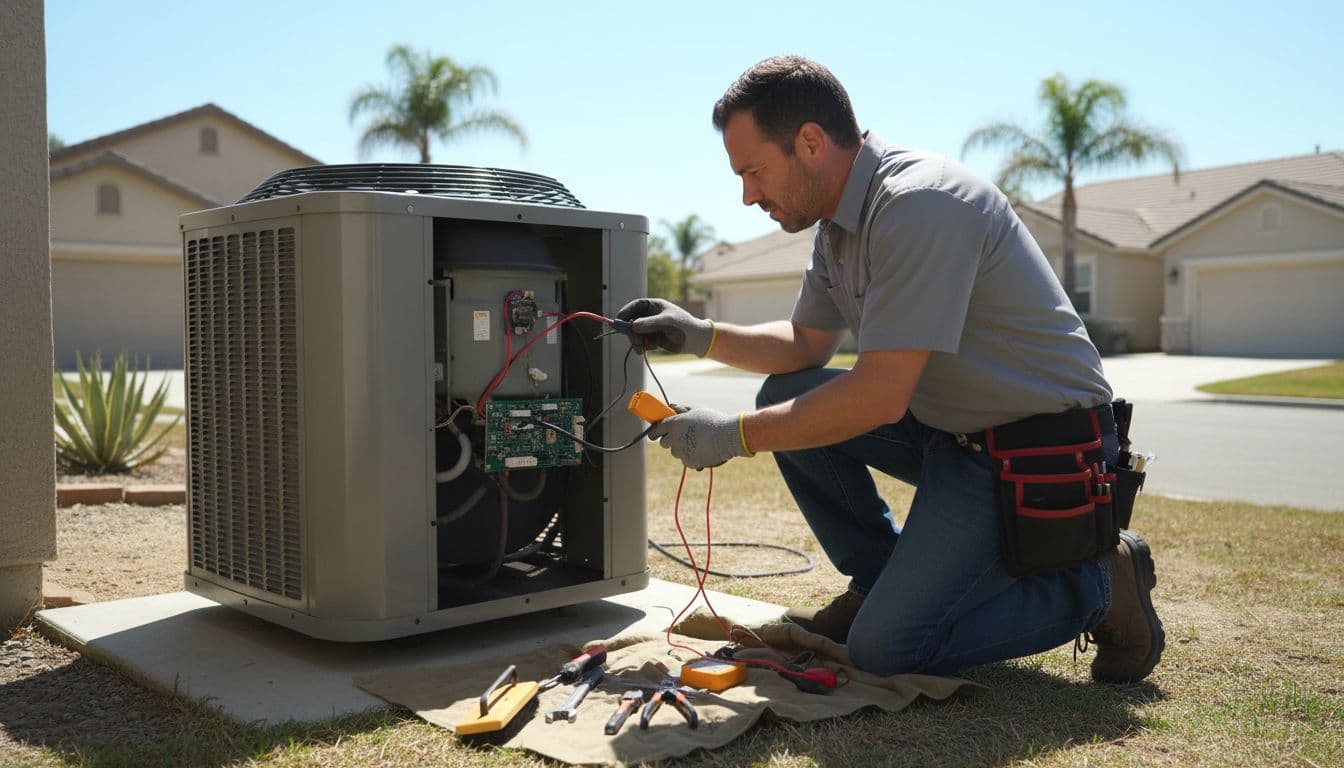
Call for help if the thermostat and room thermometer stay more than 3 degrees apart after a proper test. You should also reach out if the screen goes blank on a hardwired model, the system short cycles, or the outdoor unit will not run. Burning smells, tripped breakers, or ice on the air conditioning equipment also require prompt attention.
A professional HVAC service can test the thermostat, faulty wiring, voltage, and sensor calibration. More importantly, that same visit can confirm whether the air conditioning or heating system is delivering the right airflow and air temperature change. For San Marcos homeowners, that full system check matters because sun exposure, attic heat, and room layout can make comfort problems look like thermostat trouble. By inspecting these variables, a pro ensures your home comfort remains consistent throughout the year.
If your system is older, a pro can also tell you whether repair makes sense or if the thermostat and equipment no longer work well together.
A steady thermostat starts with small checks
When your thermostat displays ghost readings, the fastest fix is not always an immediate replacement. Start by verifying your thermostat placement, checking battery levels, reviewing your settings, and ensuring there are no blockages around your supply registers. Taking these simple steps often resolves common comfort complaints in San Marcos homes.
If the temperature reading still drifts, or if your air conditioning and heating system struggles to maintain a consistent climate, it is time for a professional diagnosis. You can Book Online when you want a certified technician to perform a comprehensive check of your thermostat and the entire HVAC system to ensure everything is operating as it should.
FAQ
Can low batteries make a thermostat read wrong?
Yes, they can. Weak batteries may cause random resets, fading screens, delayed responses, or unstable readings. Because the fix is cheap and quick, replacing your batteries is one of the first DIY steps you should take to ensure your HVAC system functions correctly.
Why does my thermostat show the right number, but the house feels wrong?
The thermostat only measures the air temperature where it is installed. If that specific spot is drafty or warmer than the rest of the home, the number may look fine while other areas feel uncomfortable. In many cases, the issue is poor airflow or improper system balance rather than a faulty thermostat.
Should I calibrate my thermostat myself?
You should only attempt thermostat calibration if your specific model allows for a simple temperature offset and you have already verified the reading with a reliable room thermometer. A small offset can help align the display with your home environment, but a large offset may hide a deeper issue with your HVAC system and make future diagnostic work more difficult.
Is a thermostat reading issue an emergency?
Most of the time, it is not an emergency. However, it becomes urgent if the system fails to shut off, refuses to start during extreme weather, smells like burning, or trips your circuit breakers. These warning signs suggest a serious electrical or equipment problem that requires professional attention rather than a minor thermostat adjustment.
Can a dirty filter make it seem like the thermostat is wrong?
Yes. A clogged filter severely restricts airflow, which prevents your HVAC system from moving enough conditioned air throughout your home. In this scenario, the thermostat may be reading the air temperature accurately, but the house will still feel uncomfortable because the system cannot maintain the set temperature effectively.